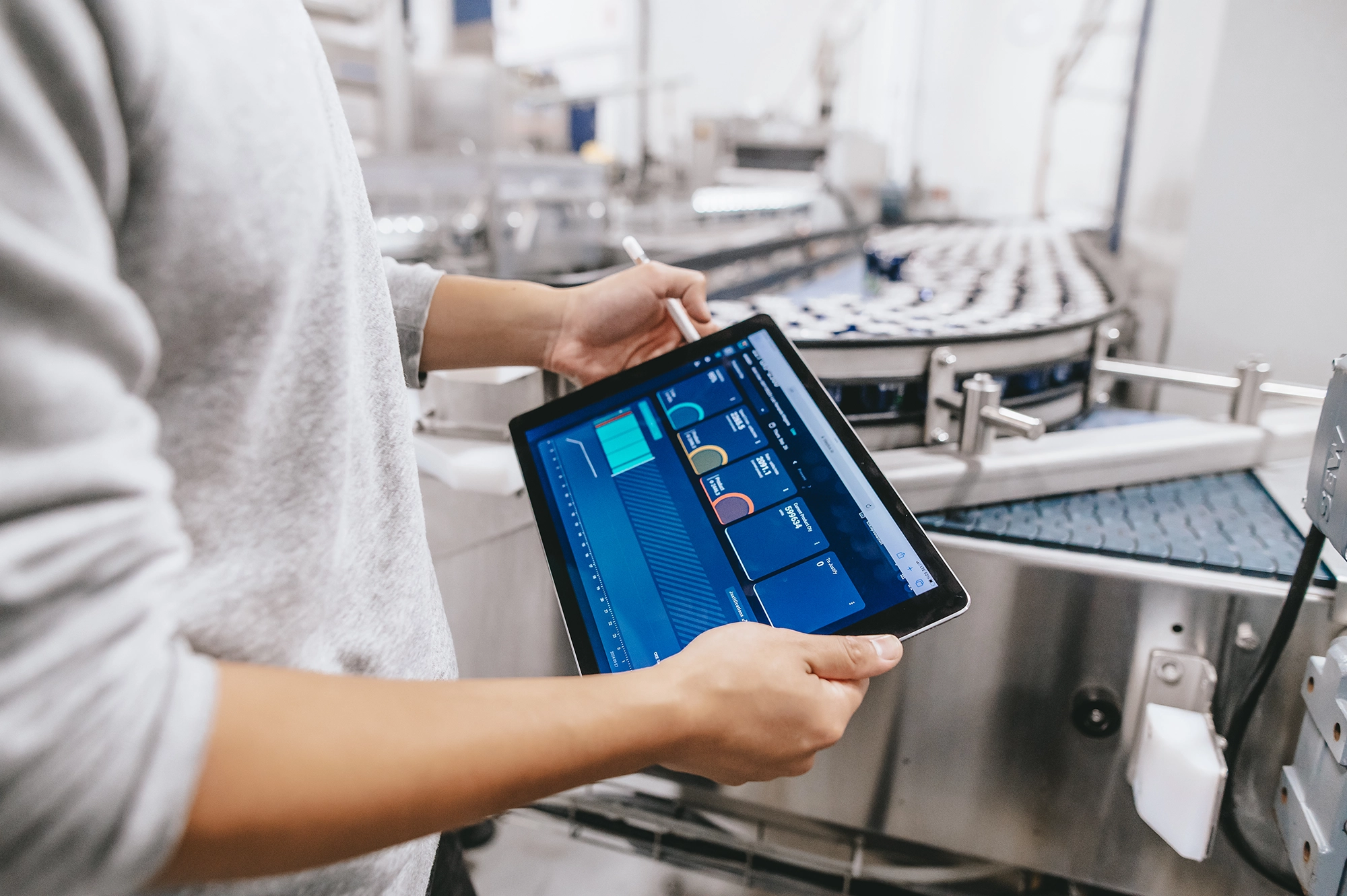
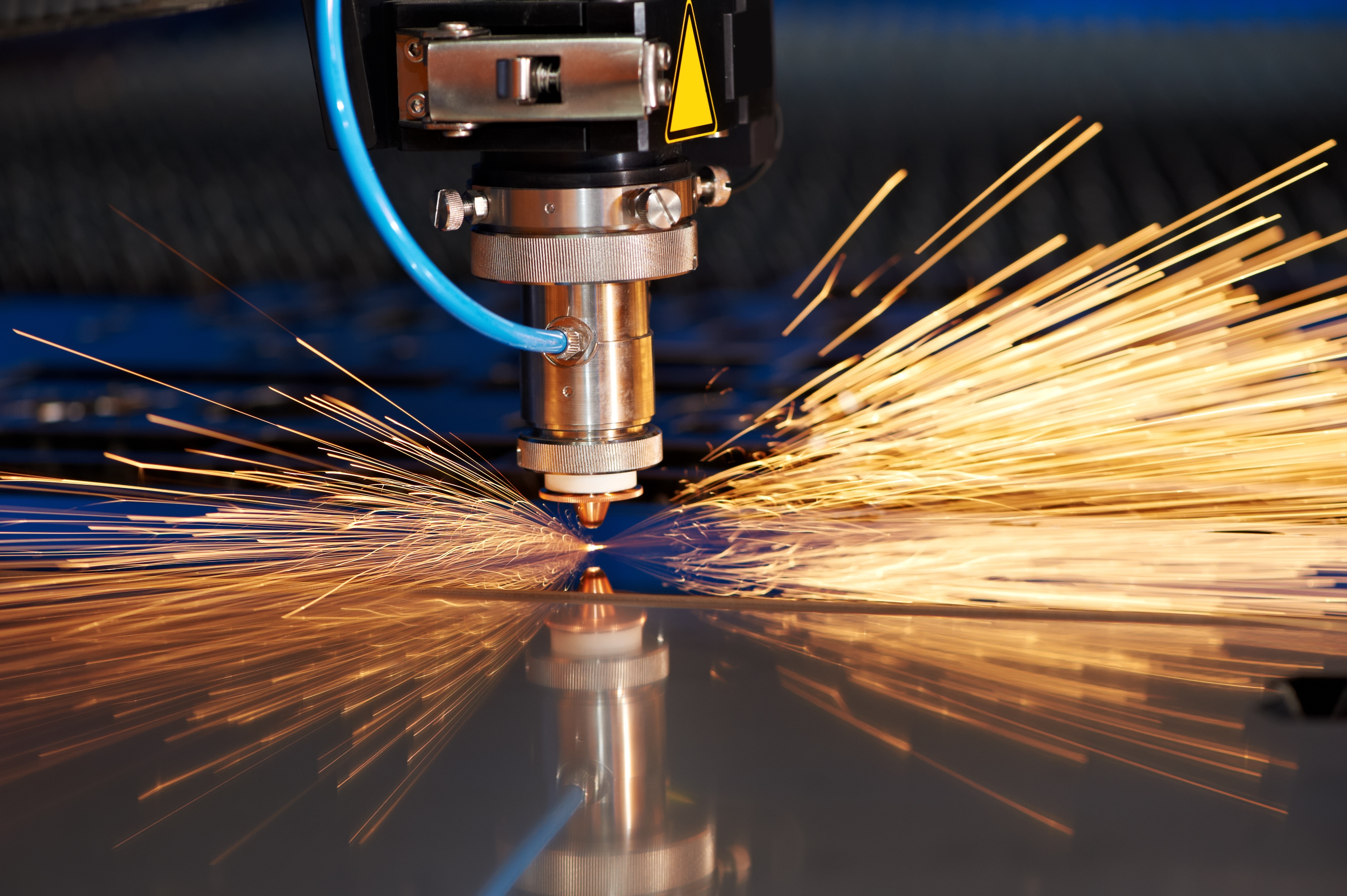
In most manufacturing industries, you find production equipment of every type and age. Older machines often sit right next to the latest generation of new technology.
Becoming a smart factory means being able to pull information from your machines regardless of their type or level of technological sophistication.
Take plant XY, which runs two types of machines at opposite ends of the technology spectrum:
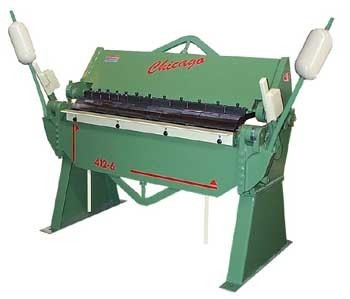
- A sheet bending machine, fully mechanical
- A next-generation laser cutting machine.
Here are two simple examples of signals you can capture to collect your production data:
1) A legacy machine: a metal sheet bender
The example here is a metal sheet bender. Some of these machines in the field date back to the 1970s and most are still fully manual. The equipment below is used to bend metal sheets to produce boxes, for instance. The operation is performed using the bars on each side of the equipment, activated by the operator. You can play with the pivot angle of those bars to bend the plates as needed.
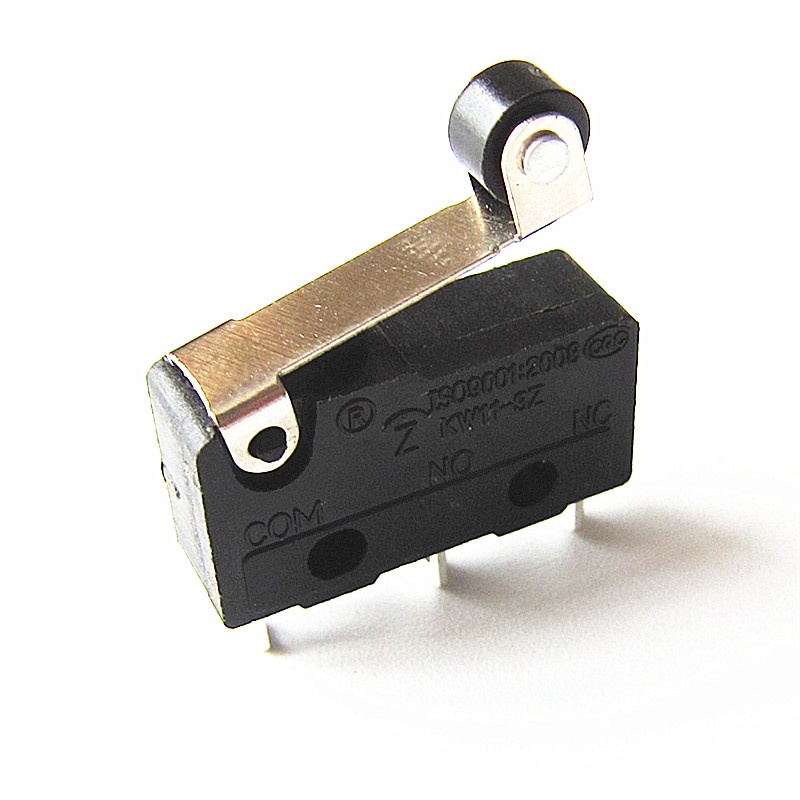
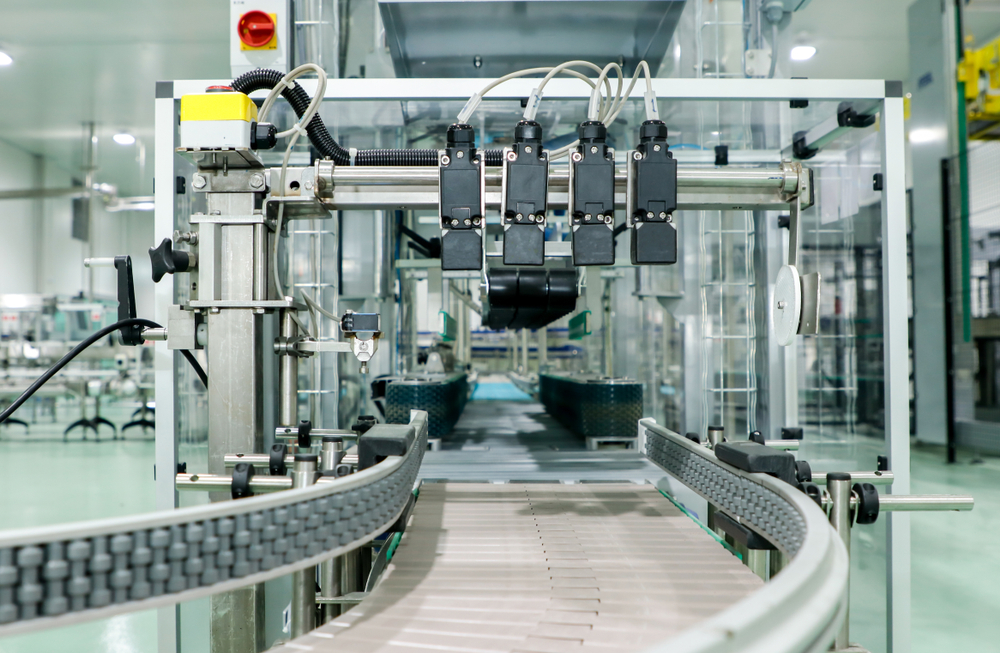
The simplest way to connect the equipment and collect data is to install a contact switch with a snap-action mechanism (as shown above).
As soon as the arm is engaged, the switch closes and a signal is sent. You can then monitor production in real time.
Adding multiplier or divider factors lets you count products and simplify the read. Example: 5 signals = 1 completed product.
2) New technology: a laser cutting machine
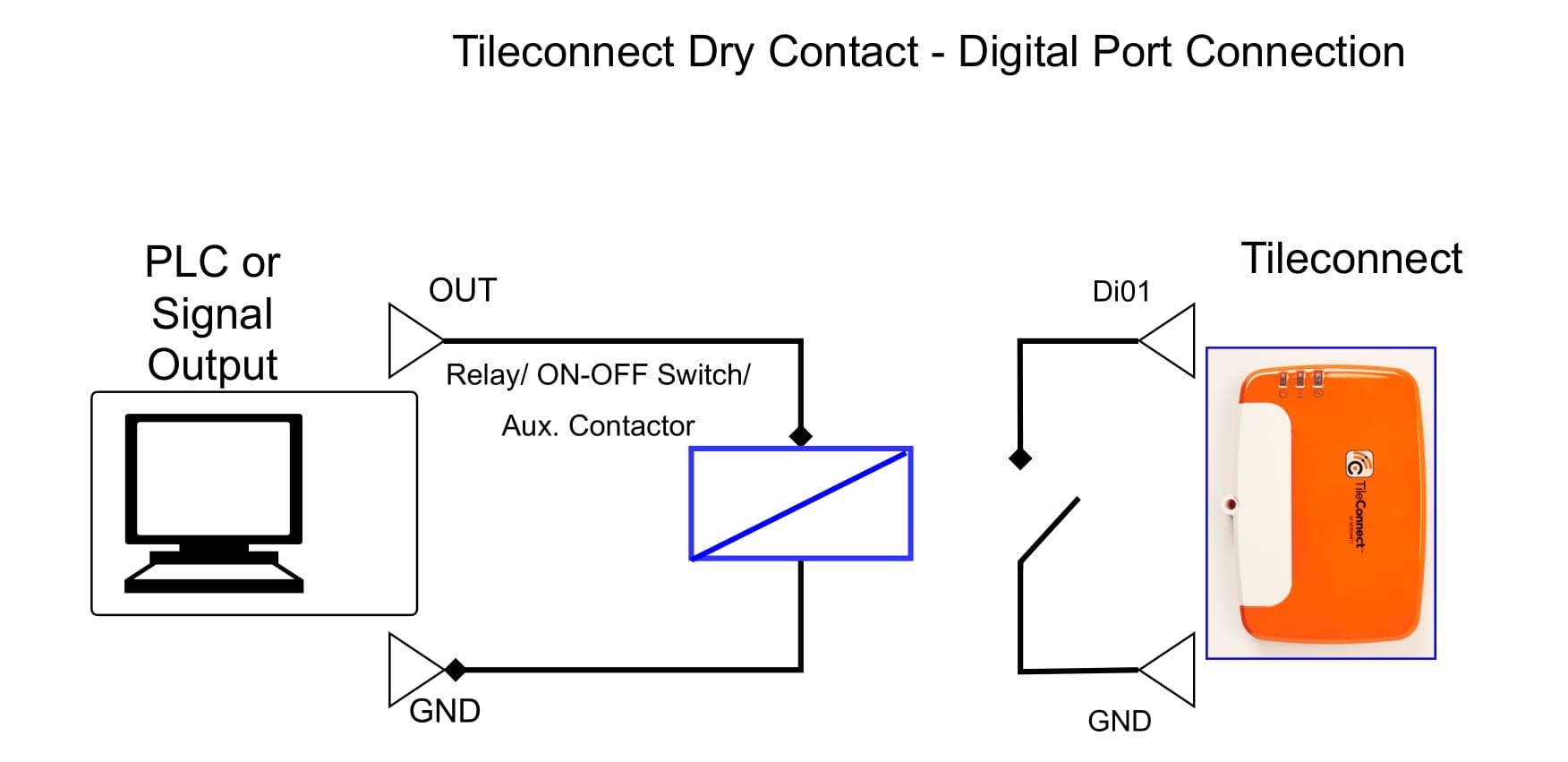
Newer equipment is often fitted with a PLC (Programmable Logic Controller). The most common approach is to capture the "output" signal of the dry contact type (binary control) from the cutting machine's PLC. As shown in the installation diagram below, no extra equipment is needed to make a signal usable, since it is already there.
You can then see the machine status (ON or OFF) and have real-time visibility into its availability.
Many more signal options exist, depending on your needs and what data is useful to collect. You can also read our case study on a metal industry company, Prolifik, which reduced operating costs by adopting 4.0 factory tools.